

 Salesforce
 Stripe
 HubSpot
 Chargebee
 Recurly
 PayPal
 Tango Card
 Webhooks
 Zapier



Learn more
Built for startups,
scaled for unicorns
Successfully submitted!
Error! Please try again
See what it takes to set up a referral/affiliate program
Explore GrowSurf's powerful referral marketing platform
Watch a video demo of setting up a referral/affiliate program
GrowSurf plugs into your existing tools
GrowSurf vs other referral software providers
Explore our free suite of referral marketing tools.
Explore our free suite of tools built for startups.
Get discounts on top software and services like Notion, Deel, Apollo, and 1Password.
Explore Deals →
Our free loyalty software lets you reward your customers when they leave reviews, share on social media, and mention your brand.
Get It Free →Can you guess which startups made these growth tactics famous? Test your knowledge of innovative marketing strategies that led to explosive growth.
Play Now →
Want the full setup walkthrough?
Use these docs for exact setup steps, supported fields, and troubleshooting.
GrowSurf's Intercom integration syncs each participant's share link, referral status, counts, and milestone data onto the matching Intercom contact.
That lets you launch referral prompts in Intercom Outbound without rebuilding your referral logic somewhere else. GrowSurf keeps the data current, and Intercom decides who should see the message and when.
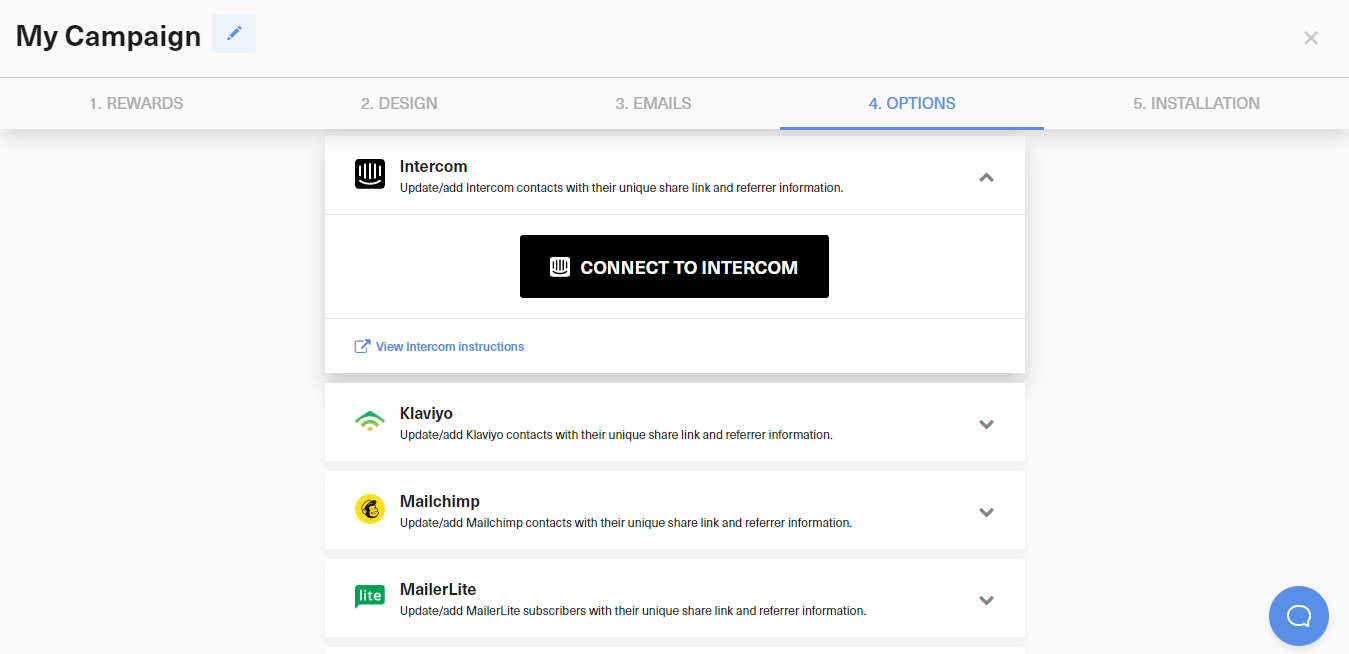
In Campaign Editor > 4. Options > Integrations, click Connect to Intercom, authorize the account, choose the Intercom tag GrowSurf should sync, and save the integration.
Referral prompts work best after a customer hits an activation milestone, finishes a successful support interaction, or reaches another value moment. Avoid showing the ask while the user is still dealing with friction.
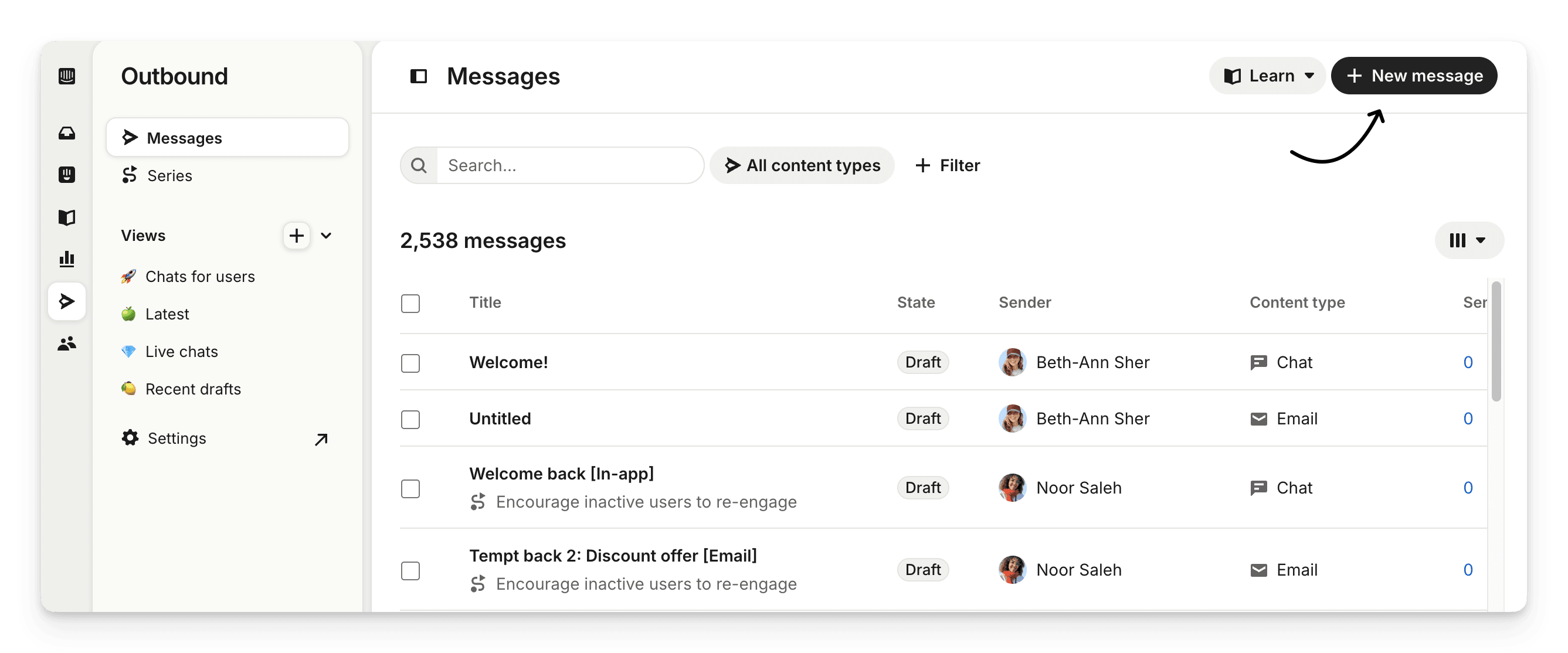
Create a new chat or post message in Intercom Outbound, then add audience rules that use the GrowSurf data already synced onto the contact record.
Use the prompt CTA to open your referral portal, referral page, or embedded GrowSurf widget. If you need to show a plain link in the copy, insert {{ custom_data.growsurf_share_url }} so the customer sees their personal share URL.
Preview the prompt for a participant who already exists in both GrowSurf and Intercom so you can confirm the audience rules, CTA destination, and personalized share link all work with live data.
The Intercom sync only starts after the integration is enabled, so connect first if you want imported participants to receive GrowSurf attributes going forward.
Keep one prompt focused on first-time sharing and another focused on milestone progress so each audience gets a more relevant message.
If a customer is contacting support because something is broken, wait until the issue is resolved before asking for a referral.
Use GrowSurf-synced Intercom custom data to build referral-aware audiences and reuse them across Intercom messages.
View Guide →Introduce referrals in Intercom onboarding after GrowSurf has synced each participant's share link, referral status, and milestone data.
View Guide →
Sync GrowSurf merge tags into your Mailchimp Audience so every referral email can show the right share link, progress update, and reward message.
View Guide →No. GrowSurf's native Intercom integration already syncs the referral fields onto the contact record after the connection is enabled.
{{ custom_data.growsurf_share_url }} is the most useful field when you want to show the participant's personal referral link directly in the message copy.
Usually no. Intercom should introduce the opportunity and route the customer to the GrowSurf referral portal, page, or widget that already handles sharing and reward logic.
Trusted by marketing and product teams at fast-growing B2C, fintech, and SaaS companies
Successfully submitted!
Error! Please try again
See referral programs that our customers have implemented.
