

 Salesforce
 Stripe
 HubSpot
 Chargebee
 Recurly
 PayPal
 Tango Card
 Webhooks
 Zapier



Learn more
Built for startups,
scaled for unicorns
Successfully submitted!
Error! Please try again
See what it takes to set up a referral/affiliate program
Explore GrowSurf's powerful referral marketing platform
Watch a video demo of setting up a referral/affiliate program
GrowSurf plugs into your existing tools
GrowSurf vs other referral software providers
Explore our free suite of referral marketing tools.
Explore our free suite of tools built for startups.
Get discounts on top software and services like Notion, Deel, Apollo, and 1Password.
Explore Deals →
Our free loyalty software lets you reward your customers when they leave reviews, share on social media, and mention your brand.
Get It Free →Can you guess which startups made these growth tactics famous? Test your knowledge of innovative marketing strategies that led to explosive growth.
Play Now →
Want the full setup walkthrough?
Use these docs for exact setup steps, supported fields, and troubleshooting.
GrowSurf syncs referral data into the Mailchimp Audience you choose, which makes those values available anywhere Mailchimp can filter contacts by Audience field data. That means you can build useful referral segments without maintaining a second tagging system outside the integration.
Use this guide when you want different Mailchimp sends for brand-new participants, people who still have zero referrals, or advocates who are close to their next milestone.
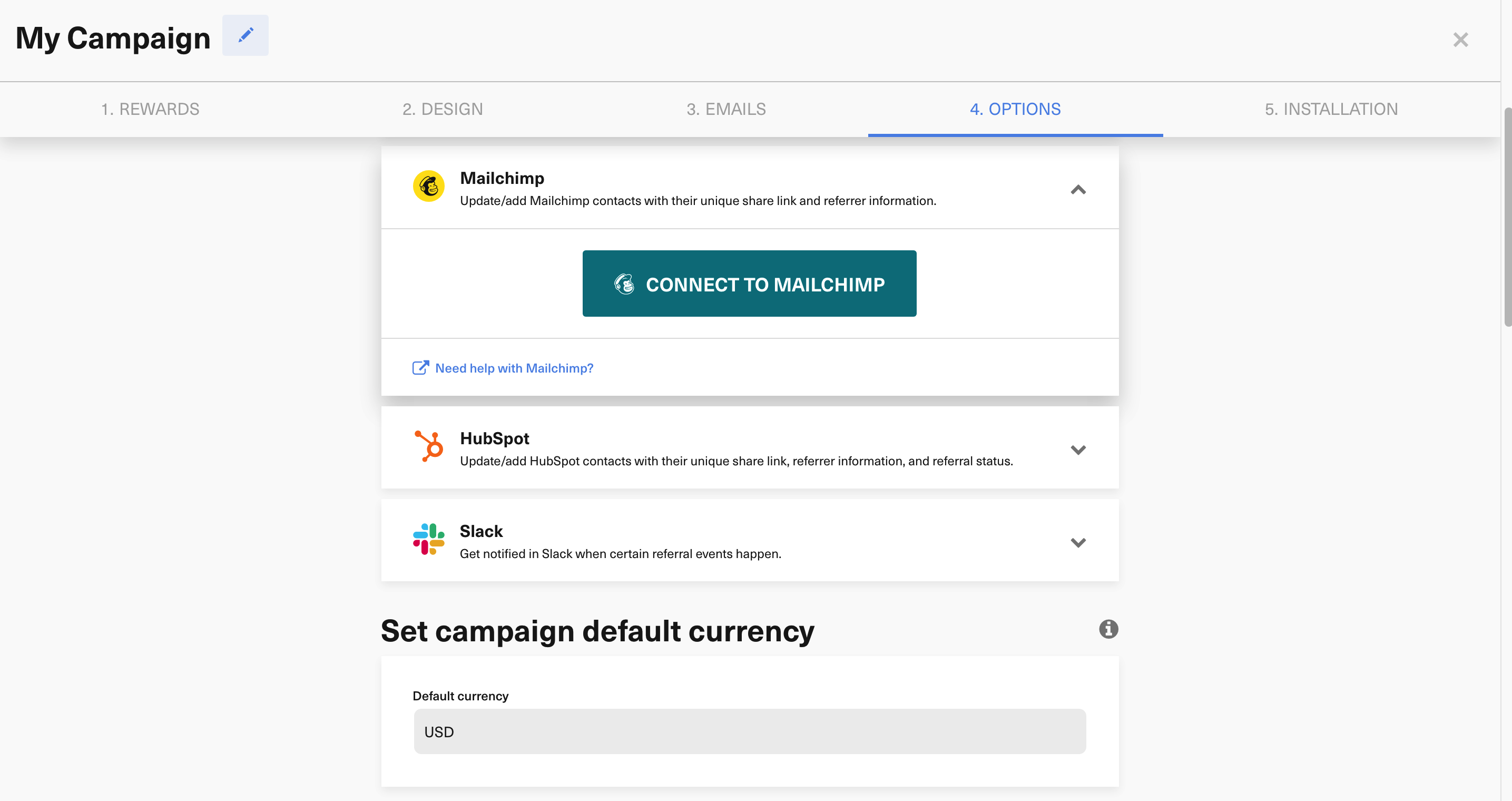
Inside GrowSurf, connect Mailchimp, choose the Audience that should receive participant records, and save the integration. GrowSurf creates the referral merge fields on that Audience and keeps them available for future segmentation.
The most useful fields for segmentation are *|REFSTATUS|*, *|TREFCOUNT|*, *|MREFCOUNT|*, and *|NXTREWARD|*. These help you separate people who have never shared, people already earning credit, and people who are close to another reward.
0 after their first invitation email.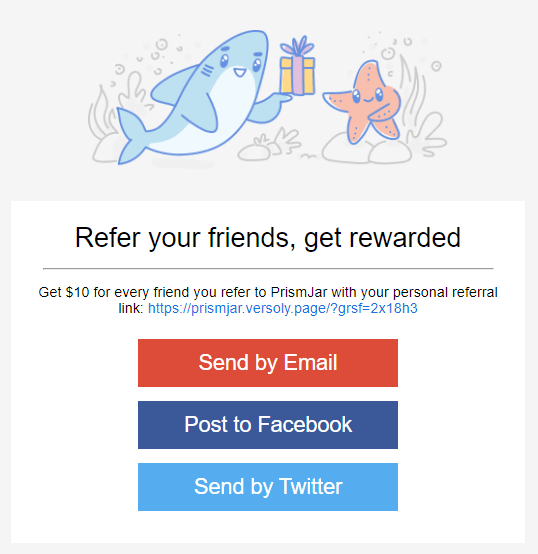
Mailchimp segments are most useful when each one lines up with a real message. Pair your zero-referral segment with a first-share reminder, your active-referrer segment with a progress update, and your near-reward segment with a milestone push.
Before you rely on the segment for an important send, spot-check a few contacts against GrowSurf. If the referral count or status in Mailchimp matches what you see in GrowSurf, the segment logic is probably ready.
Labels like 0 referrals after launch or milestone follow-up are easier to reuse than generic names tied to one campaign.
Referral-count fields are the clearest way to separate brand-new participants from active advocates, especially when you want to branch reminder timing.
If Mailchimp requires fields that GrowSurf is not sending, contacts can fail to sync into the Audience you are trying to segment.
Sync GrowSurf merge tags into your Mailchimp Audience so every referral email can show the right share link, progress update, and reward message.
View Guide →Use GrowSurf sync fields inside Mailchimp automations so reminder and milestone emails follow each participant's current referral progress.
View Guide →
Use the GrowSurf fields synced to each ActiveCampaign contact to build segments for first-share nudges, milestone campaigns, and advocate follow-ups.
View Guide →*|REFSTATUS|*, *|TREFCOUNT|*, *|MREFCOUNT|*, and *|NXTREWARD|* cover most segmenting needs because they tell you who has started sharing, who has already earned credit, and who is close to another reward.
Newly synced participants will. If you connected Mailchimp after people were already imported into GrowSurf, use GrowSurf's Mailchimp sync remedy before assuming the Audience is complete.
Usually no. The synced GrowSurf fields already give you clean segmentation inputs, so adding a second manual tagging system usually creates more cleanup work than value.
Trusted by marketing and product teams at fast-growing B2C, fintech, and SaaS companies
Successfully submitted!
Error! Please try again
See referral programs that our customers have implemented.
