

 Salesforce
 Stripe
 HubSpot
 Chargebee
 Recurly
 PayPal
 Tango Card
 Webhooks
 Zapier



Learn more
Built for startups,
scaled for unicorns
Successfully submitted!
Error! Please try again
See what it takes to set up a referral/affiliate program
Explore GrowSurf's powerful referral marketing platform
Watch a video demo of setting up a referral/affiliate program
GrowSurf plugs into your existing tools
GrowSurf vs other referral software providers
Explore our free suite of referral marketing tools.
Explore our free suite of tools built for startups.
Get discounts on top software and services like Notion, Deel, Apollo, and 1Password.
Explore Deals →
Our free loyalty software lets you reward your customers when they leave reviews, share on social media, and mention your brand.
Get It Free →Can you guess which startups made these growth tactics famous? Test your knowledge of innovative marketing strategies that led to explosive growth.
Play Now →
Want the full setup walkthrough?
Use these docs for exact setup steps, supported fields, and troubleshooting.
GrowSurf connects to the Mailchimp Audience you choose, adds the referral merge tags that are missing, and updates those contact values when participant data changes. That gives your team a reliable way to personalize referral email without hand-building links or copying referral status into Mailchimp.
Use this guide when you want Mailchimp campaigns or automations to show each participant their own share link, referral count, or milestone progress inside the email itself.
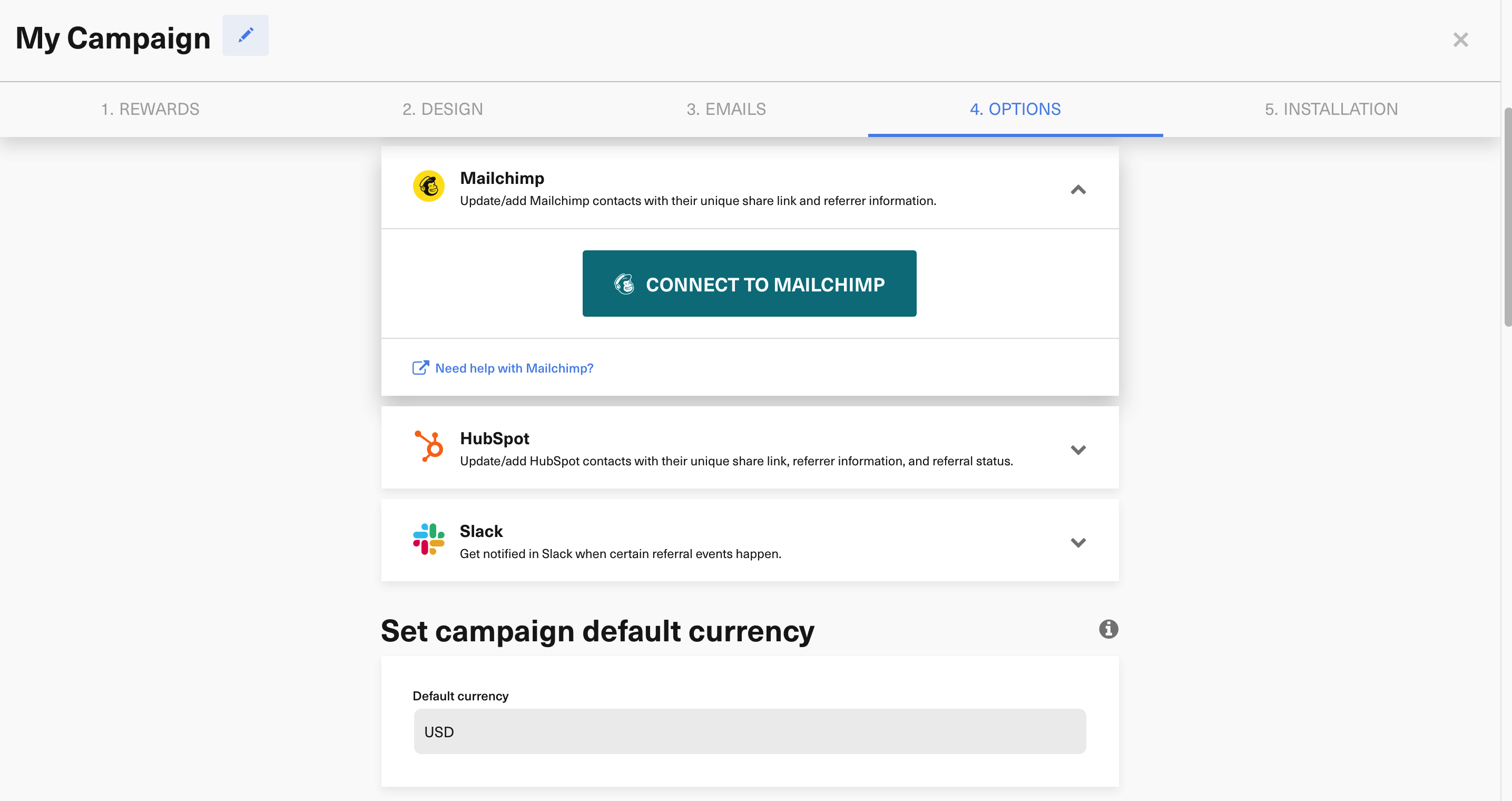
From your GrowSurf campaign, connect Mailchimp, pick the Audience you want to use, and save the integration. GrowSurf creates the Mailchimp fields it needs on that Audience, including the share URL, referral status, referral counts, referrer details, and milestone text fields documented in the GrowSurf Mailchimp setup guide.
Mailchimp uses Audience fields and merge tags for personalization, so you can drop GrowSurf values directly into your copy and buttons. The most useful tags for referral email are *|SHAREURL|*, *|REFSTATUS|*, *|TREFCOUNT|*, *|NXTREWARD|*, and *|EMAIL|* when you want to pass the subscriber email into a referral portal link.
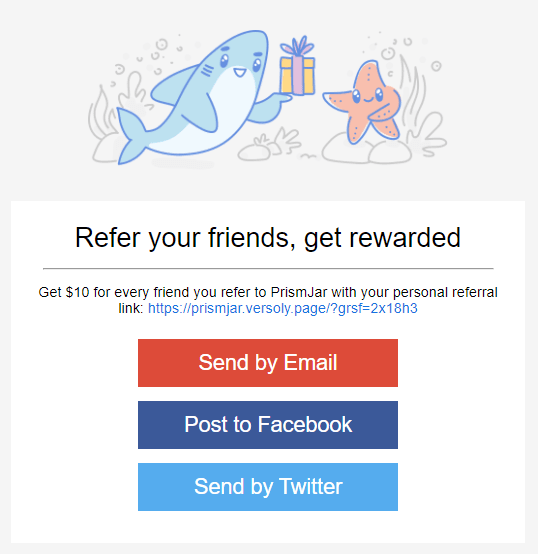
Use *|SHAREURL|* when you want the simplest possible CTA: copy your link, open your link, or share your link. If you prefer a button that sends someone straight to your GrowSurf referral portal, GrowSurf's tutorials also show a portal URL pattern that passes the subscriber email into the destination link.
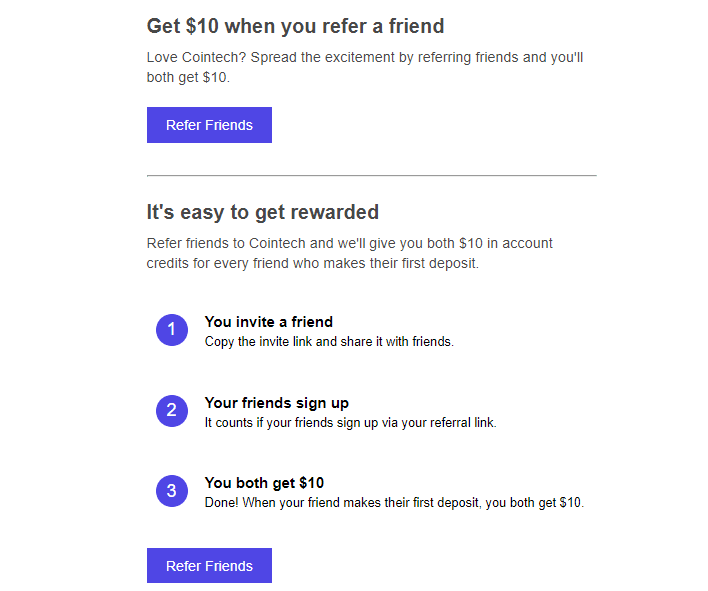
*|REFSTATUS|* when the email should acknowledge whether the participant is still waiting on credit or has already earned it.*|TREFCOUNT|* or *|MREFCOUNT|* when you want different copy for first-time sharers versus repeat referrers.*|NXTREWARD|* when you want the email to remind someone what they unlock next.Before you schedule the campaign, preview or test-send the email against a contact that already exists in your GrowSurf-connected Audience. That is the fastest way to confirm the merge tags resolve correctly and the CTA sends people to the right referral experience.
<p>Your referral link: <a href="*|SHAREURL|*">*|SHAREURL|*</a></p>

<a href="https://grow.surf/YOUR_CAMPAIGN_ID?grsf_email=*|EMAIL|*">Open your referral portal</a>GrowSurf's Mailchimp docs call this out for a reason: connecting the Audience first is the cleanest way to ensure every synced contact gets the referral merge tags from the start.
If the Mailchimp Audience requires fields that GrowSurf is not sending, Mailchimp can reject the sync. Leave extra required fields turned off unless your own signup flow is populating them.
Mailchimp limits how many merge fields an Audience can have. If GrowSurf cannot add the referral tags you expect, remove unused merge fields in Mailchimp and re-save the integration.
Use GrowSurf fields inside your Mailchimp Audience to create segments for new participants, active referrers, and people close to a reward.
View Guide →Use GrowSurf sync fields inside Mailchimp automations so reminder and milestone emails follow each participant's current referral progress.
View Guide →
Sync GrowSurf referral properties into Klaviyo profiles, then use them in email flows that keep each participant's link and reward progress current.
View Guide →GrowSurf's Mailchimp integration creates the share link, participant ID, referral status, referrer details, referral counts, milestone text, invite count, and impression count fields documented in the GrowSurf Mailchimp guide. For most referral email campaigns, *|SHAREURL|*, *|REFSTATUS|*, *|TREFCOUNT|*, and *|NXTREWARD|* do the most work.
No. The simplest option is to place *|SHAREURL|* anywhere you want the participant's unique referral link to appear. If you want a button that opens your GrowSurf portal directly, the tutorial examples also show a portal-link format that uses the Mailchimp subscriber email merge tag.
The two most common causes are connecting Mailchimp after participants were already imported, or using an Audience with required merge fields that GrowSurf does not populate. GrowSurf also warns that Mailchimp merge field limits can block new referral fields from being created.
Trusted by marketing and product teams at fast-growing B2C, fintech, and SaaS companies
Successfully submitted!
Error! Please try again
See referral programs that our customers have implemented.
