

 Salesforce
 Stripe
 HubSpot
 Chargebee
 Recurly
 PayPal
 Tango Card
 Webhooks



Learn more
Built for startups,
scaled for unicorns
Successfully submitted!
Error! Please try again
See what it takes to set up a referral/affiliate program
Explore GrowSurf's powerful referral marketing platform
Watch a video demo of setting up a referral/affiliate program
GrowSurf plugs into your existing tools
GrowSurf vs other referral software providers
Explore our free suite of referral marketing tools.
Explore our free suite of tools built for startups.
Get discounts on top software and services like Notion, Deel, Apollo, and 1Password.
Explore Deals →
Our free loyalty software lets you reward your customers when they leave reviews, share on social media, and mention your brand.
Get It Free →Can you guess which startups made these growth tactics famous? Test your knowledge of innovative marketing strategies that led to explosive growth.
Play Now →
Want the full setup walkthrough?
Use these docs for exact setup steps, supported fields, and troubleshooting.
Use this setup when a real GrowSurf event should start work in another tool without custom middleware.
GrowSurf's Zapier integration supports four trigger events: New Participant Reward, New Participant, Campaign Ended, and Trigger Referral. That makes it a practical way to automate reward fulfillment, internal notifications, CRM updates, and downstream referral actions from one place.
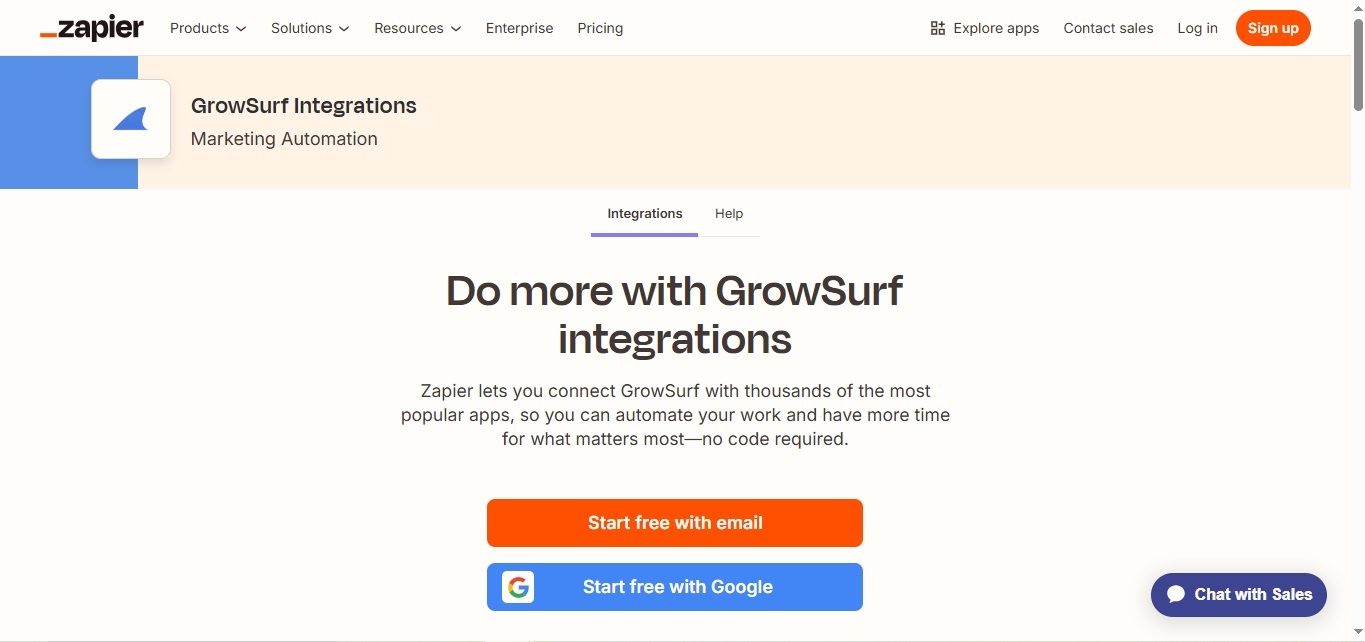
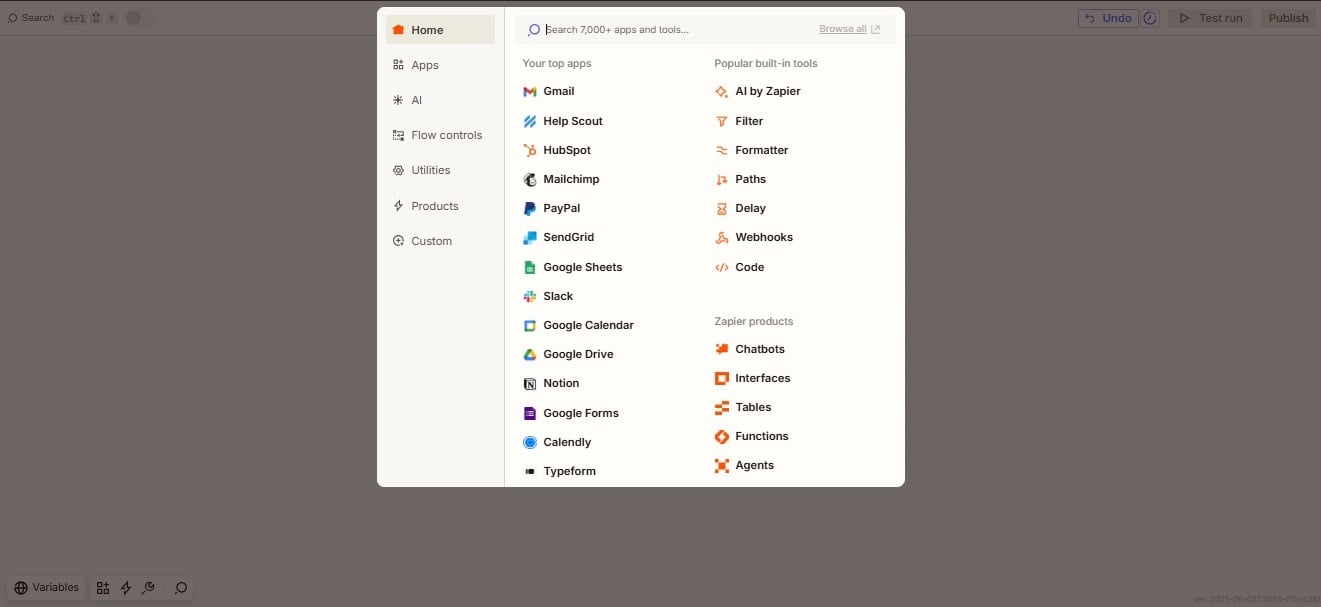
Open the GrowSurf app on Zapier, create a new Zap, and connect the GrowSurf account that owns the campaign you want to automate.
If your campaign has double-sided rewards or manual reward approval, do not send every event down the same path by default. Use Participant Is Referrer and Reward Approved to decide which action should run.
Once the trigger is configured, pick the destination app and map the GrowSurf fields that matter for that action. Keep the Zap focused on one clear job so it is easier to test and troubleshoot later.
Zapier's sample records are only there to help you map fields. Before you publish, run the workflow against a real campaign event and confirm the action also looks right in Zap History.
After the Zap is live, use Zap History to confirm transfers are succeeding and to inspect any task that fails. Zapier notes that polling frequency varies by plan, so some workflows will not fire instantly.
Only the campaigns owned by that account appear in Zapier. If a campaign is missing, recheck which GrowSurf login was connected first.
GrowSurf's current sign-in flow still exposes the password-reset path. If the owner normally signs in with Google, set a password before trying to connect that account to Zapier.
GrowSurf's troubleshooting docs and Zapier's current help both point back to Zap History when something misfires. It is the fastest way to see the exact payload and the step that failed.
Use GrowSurf's New Participant trigger in Zapier to create or update CRM records when someone joins your referral program.
View Guide →Use GrowSurf events in Zapier when another email tool should send the message after a referral signup, reward event, or campaign milestone.
View Guide →Use GrowSurf events in Zapier when Slack alerts need channel routing, branching, or message logic beyond the native Slack integration alone.
View Guide →GrowSurf currently exposes four Zapier triggers: New Participant Reward, New Participant, Campaign Ended, and Trigger Referral. Pick the one that matches the event that should start the workflow.
Often, yes. GrowSurf's Zapier docs explain that both participants can generate events on double-sided rewards. You can either split them into separate Zaps or keep one Zap and branch with Zapier Paths.
The most common reason is that Zapier was connected with the wrong GrowSurf login. Only campaigns owned by the connected account appear in the campaign picker.
Trusted by marketing and product teams at fast-growing B2C, fintech, and SaaS companies
Successfully submitted!
Error! Please try again
See referral programs that our customers have implemented.
