

 Salesforce
 Stripe
 HubSpot
 Chargebee
 Recurly
 PayPal
 Tango Card
 Webhooks



Learn more
Built for startups,
scaled for unicorns
Successfully submitted!
Error! Please try again
See what it takes to set up a referral/affiliate program
Explore GrowSurf's powerful referral marketing platform
Watch a video demo of setting up a referral/affiliate program
GrowSurf plugs into your existing tools
GrowSurf vs other referral software providers
Explore our free suite of referral marketing tools.
Explore our free suite of tools built for startups.
Get discounts on top software and services like Notion, Deel, Apollo, and 1Password.
Explore Deals →
Our free loyalty software lets you reward your customers when they leave reviews, share on social media, and mention your brand.
Get It Free →Can you guess which startups made these growth tactics famous? Test your knowledge of innovative marketing strategies that led to explosive growth.
Play Now →
Want the full setup walkthrough?
Use these docs for exact setup steps, supported fields, and troubleshooting.
GrowSurf already offers native Slack notifications, but Zapier is the better option when those alerts need to branch, filter, or trigger extra steps before the message is posted.
This is especially useful when different referral events should land in different channels, or when only specific reward states should alert the team.
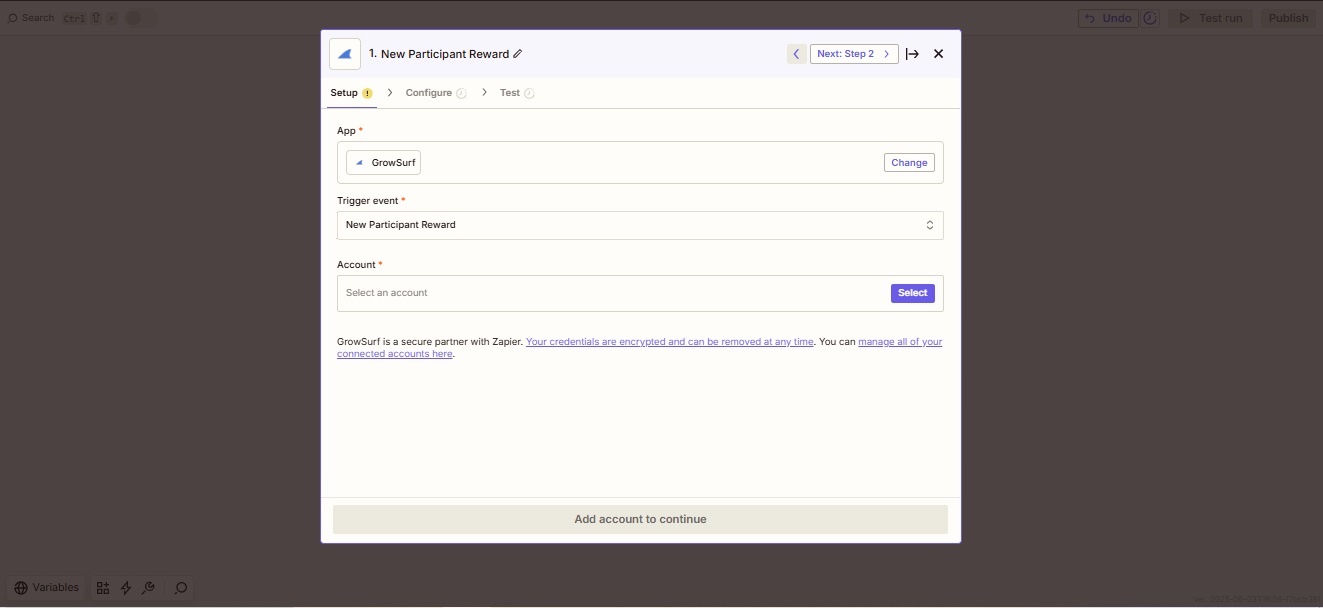
New Participant Reward is a strong default when Slack is mostly used for reward-earned alerts, but New Participant or Campaign Ended can also work depending on the audience and urgency.
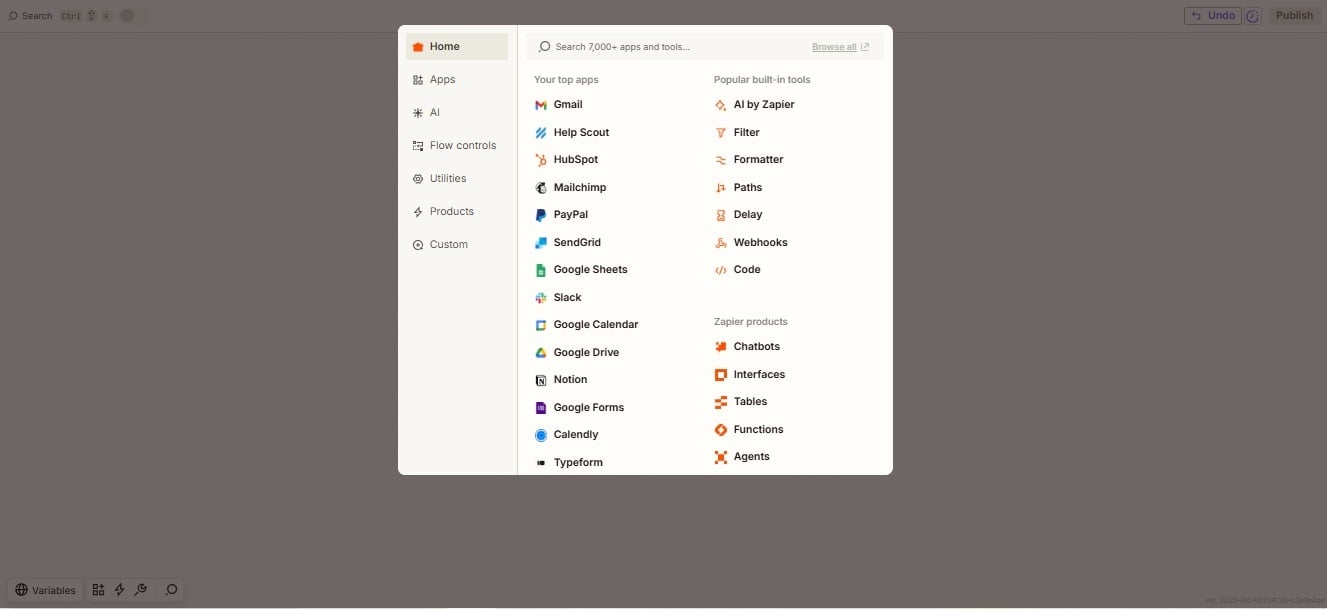
Use a Filter if you only want alerts for approved rewards, referrers, or one campaign. Use Paths when different events should route to different Slack channels.
Map the GrowSurf details that help the team take action quickly, such as participant email, reward status, referral counts, or the share URL. Keep the message compact so the alert is still easy to scan in-channel.
Before publishing, send a real test event through the Zap and confirm the message format, channel destination, and links all look right inside Slack.
If a message posts when it should not, or never arrives at all, check Zap History first. It will show whether the issue came from the trigger payload, the Filter step, or the Slack action.
Zapier adds value when you need routing, branching, or extra action steps. If the team only needs straightforward notifications, the native Slack integration is usually simpler.
Slack alerts get noisy fast. Build channels around who needs to act on the event rather than creating a different message for every minor trigger.
That is the fastest way to catch a filter that is too broad, a channel mapping mistake, or message text that is missing an important field.
Use GrowSurf as the trigger app in Zapier when referral events should launch no-code actions across the rest of your stack.
View Guide →Use GrowSurf events in Zapier when another email tool should send the message after a referral signup, reward event, or campaign milestone.
View Guide →
Connect Slack to GrowSurf, pick the right channel, and keep participant and reward alerts visible to the team that needs to act on them.
View Guide →Use Zapier when Slack alerts need Filters, Paths, channel routing, or extra actions before or after the message posts. Use the native Slack integration when straightforward notifications are enough.
Often yes. GrowSurf's Zapier docs explain that double-sided rewards can generate events for both sides of the referral, so Filters or Paths help keep each alert in the right place.
Zapier's current help notes that polling frequency depends on your plan, so some alerts may land a few minutes after the GrowSurf event instead of instantly.
Trusted by marketing and product teams at fast-growing B2C, fintech, and SaaS companies
Successfully submitted!
Error! Please try again
See referral programs that our customers have implemented.
