

 Salesforce
 Stripe
 HubSpot
 Chargebee
 Recurly
 PayPal
 Tango Card
 Webhooks



Learn more
Built for startups,
scaled for unicorns
Successfully submitted!
Error! Please try again
See what it takes to set up a referral/affiliate program
Explore GrowSurf's powerful referral marketing platform
Watch a video demo of setting up a referral/affiliate program
GrowSurf plugs into your existing tools
GrowSurf vs other referral software providers
Explore our free suite of referral marketing tools.
Explore our free suite of tools built for startups.
Get discounts on top software and services like Notion, Deel, Apollo, and 1Password.
Explore Deals →
Our free loyalty software lets you reward your customers when they leave reviews, share on social media, and mention your brand.
Get It Free →Can you guess which startups made these growth tactics famous? Test your knowledge of innovative marketing strategies that led to explosive growth.
Play Now →
Want the full setup walkthrough?
Use these docs for exact setup steps, supported fields, and troubleshooting.
A spreadsheet is often the fastest no-code place to review referral activity outside GrowSurf, especially for manual QA, reward review, or one-off operational reporting.
Use New Participant when the sheet should log new program signups and New Participant Reward when the sheet should track winners, fulfillment, or approval workflows.
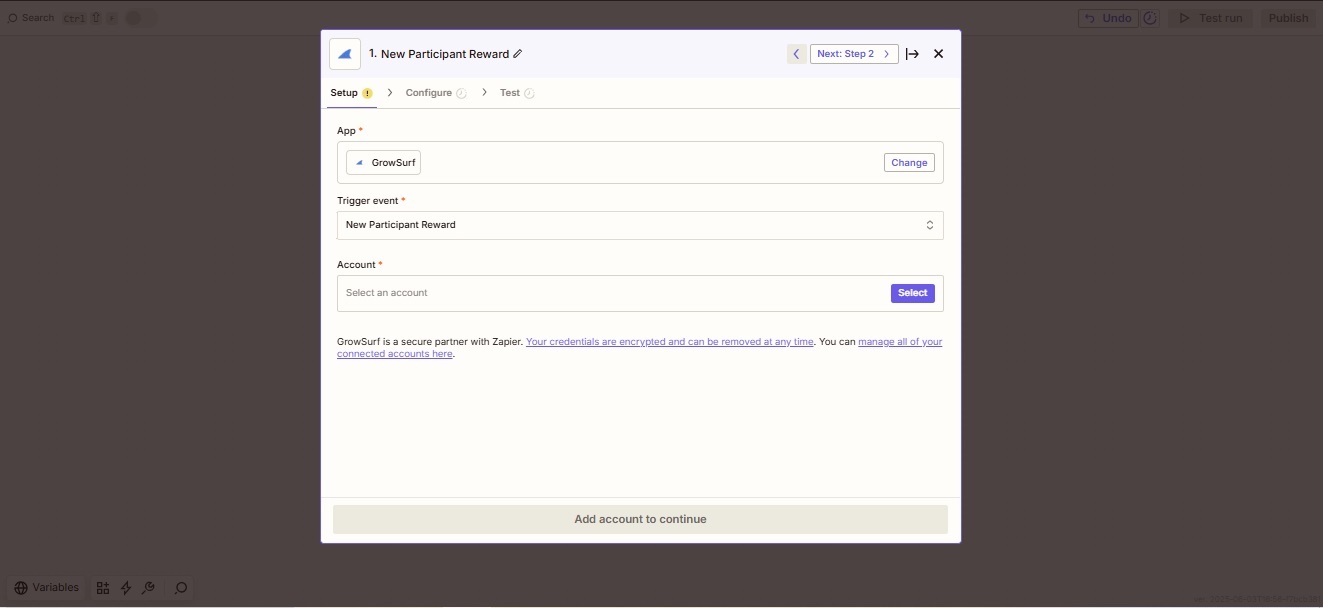
New Participant is best for new signup logs. New Participant Reward is better for reward tracking, winner review, or fulfillment checklists.
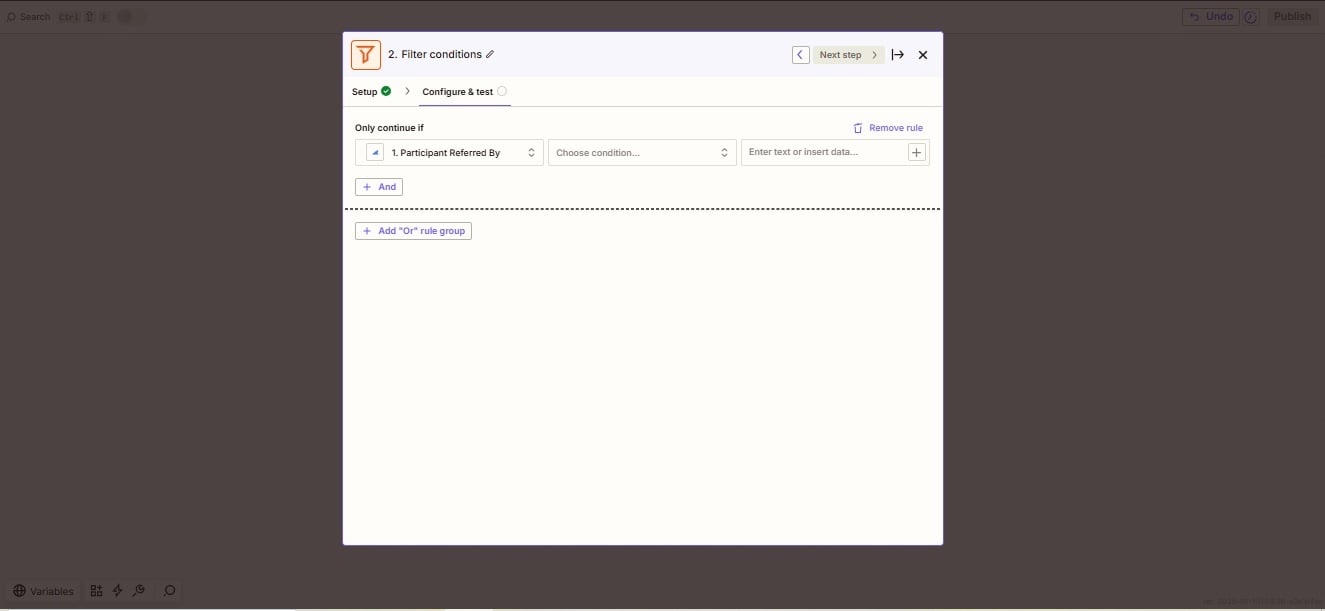
GrowSurf's Zapier filter guide shows how to use Participant Referred By when you only want rows for referred signups rather than everyone who joined the campaign.
Map just the fields that help your ops team work: participant email, share URL, reward status, referral totals, referrer details, or approval notes. Keeping the sheet lean makes it easier to scan and export later.
Run the Zap with a live event so you can confirm the row format, worksheet destination, and field mapping before the spreadsheet becomes part of an ops process.
If one sheet is trying to track signups, rewards, and approvals all at once, it will get noisy quickly. Separate tabs or separate Zaps usually work better than one overloaded log.
Extra columns make the sheet harder to use. Start with a small set of fields and add more only if the team has a clear reporting or review need.
A rewards-review sheet and a new-participant sheet usually serve different teams. Separate them early instead of mixing every event into one tab.
The same owner-account rule applies here too: only campaigns owned by the connected GrowSurf account show up in Zapier.
Use GrowSurf's New Participant trigger in Zapier to create or update CRM records when someone joins your referral program.
View Guide →Use GrowSurf as the trigger app in Zapier when referral events should launch no-code actions across the rest of your stack.
View Guide →
Use GrowSurf as the event source, Segment as the routing layer, and your warehouse as the durable reporting destination for referral data.
View Guide →Use New Participant if the sheet is meant to log new signups and New Participant Reward if the sheet is meant to track rewards, winners, or fulfillment reviews.
Yes. GrowSurf's filter guide shows how to use the Participant Referred By field so the sheet only captures referred signups instead of every participant.
A spreadsheet is fine for lightweight ops review. Once the team needs larger-scale reporting, joins across tools, or long-term trend analysis, a CRM or warehouse flow is usually the better next step.
Trusted by marketing and product teams at fast-growing B2C, fintech, and SaaS companies
Successfully submitted!
Error! Please try again
See referral programs that our customers have implemented.
